
Decato vs Collov AI when the staging has to be orderable
Collov AI stages a photograph. You give it a picture of a room and it gives you that room furnished, restyled or emptied, in about ten seconds. Decato never sees a photograph — it works from a floor plan, and its output is not an image but a room you can order, priced piece by piece.

Decato
No photograph went into this. It began as a plan, and every piece was sized against it.
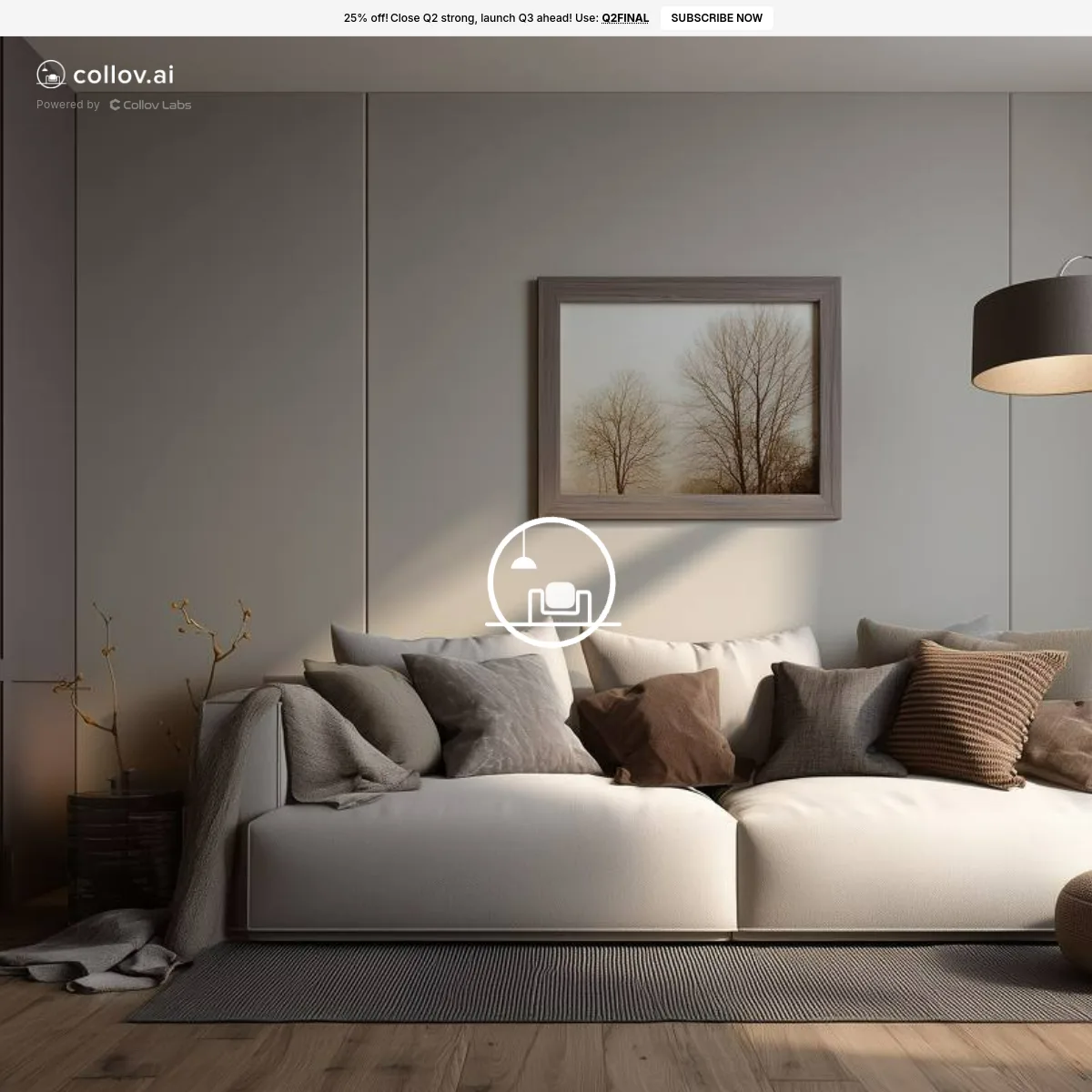
A staging tool for property photographs. Upload a picture and it furnishes, restyles or empties the room in about ten seconds, with a surrounding kit of photo operations — twilight conversion, lawn and pool clean-up, material overlay — aimed squarely at listings.
Nothing here touches a photograph. Decato draws or imports a plan, lays orderable stock against the real walls and door swings, refuses the pieces that collide, and returns a project — layout, priced spec and client deck — that stays editable after the meeting.
If the room has already been photographed and the job is to make that photograph sell, Collov is faster than Decato and better equipped for it. If the room exists only as a plan, or the furniture has to be proven to fit and then bought, Collov has nothing pointed at that.
What each one does
Needs a measured plan to begin
Turns an existing photo into a furnished room
The furniture shown is furniture you can order
Rejects a piece that will not fit the room
Produces a priced list for procurement
Keeps a running total for the room
Photo retouching and twilight conversion
The work survives as a project, not a file
Built for listing volume
Credit tiers run to hundreds of photos
Works on Windows or in a browser
Collov is browser-based; Decato is a Mac app
Neither tool wins everywhere
Collov AI does things Decato cannot do at all. Knowing exactly where the line falls is more useful than being told one tool is better.
- Starts where Collov stops: after the photo has done its job and someone has to buy the room
- The furniture is inventory, not set dressing — each piece has a SKU, a size and a price
- Priced as it is assembled, so the room a client approves is the room they can afford
- Nothing here expires: no credits, no monthly photo count, and the project stays editable
- Far faster when a photograph already exists — seconds, with no plan to draw
- A photo-editing kit Decato has no answer to: furniture removal, twilight, lawn and pool work
- Built for listing volume, with credit tiers that scale into the hundreds of photos
- Runs in a browser on any machine, where Decato is a Mac app
- Human-assisted multi-angle staging on the upper tiers, for rooms shot from several positions
What each one costs
- Free$0Plan as much as you like on your own AI key — no photo credits involved
- Pro$20/moNothing gated by tier; renders, not photo credits, and they do not expire monthly
- Max 5x$100/moIdentical features, five times the render volume
- Max 20x$200/moIdentical features, twenty times the render volume
- Standard$19/mo60 photo credits
- Advanced$49/mo150 credits, adds the photo-editing tools
- Premium$79/mo263 credits, adds virtual tours and 360° panorama
- Enterprise$127/mo526 credits, adds API access
Collov bills photo credits, so its price buys staged images, and unused credits do not roll over at the end of a month. Decato bills renders, and every paid tier carries identical features — the money buys volume, never capability. Annual billing discounts both. For pure listing volume Collov is much the cheaper unit; for one specified room the units are not comparable at all.
Both price lists checked August 2026If you move across
Collov earns its place on the listing side. Moving across is not a replacement so much as adding the step that begins once the photo has done its job.
- The staged look a client already signed off on, as the style brief Decato sources toward
- A floor plan of the same property, which Collov cannot take and Decato requires
- Your budget for the room, which becomes the ceiling Decato sources under
- Staged photographs. Decato has no photo pipeline; images made in Collov stay there
- Credits or subscription — the two are billed separately, with no migration path
- Listing retouching work. If photos need decluttering or a twilight pass, keep that tool
Compare Decato against the next closest workflow.
If this page is close but not exact, use the routes below to compare Decato against staging-first, retail-first and render-first alternatives with the same decision lens.
Decato vs REimagineHome
Both source real furniture. REimagineHome fits it to a photo; Decato fits it to a dimensioned plan.
Staging-firstDecato vs Virtual Staging AI
Staging sells the photo. Decato specifies the room — real products, measured fit, a priced spec.
Service-outputDecato vs BoxBrownie
BoxBrownie sells edited images per job. Decato sources a room into a priced specification.
Retail-workflowDecato vs Wayfair
Wayfair plans your room and fills its own cart. Decato checks the fit and hands over a spec.
Most comparison tools judge the screenshot. Designers still have to deliver the room.
Decato is optimized for the step after concept approval: matching real products, checking fit, keeping the room inside budget and turning the output into a defendable package instead of a render to reverse-engineer.
Common questions
Is Decato a Collov AI alternative?
Only for part of what Collov does. It replaces nothing on the listing side — there is no photo pipeline in Decato, so staging, decluttering and twilight passes stay with Collov. Where it does replace Collov is the point at which a room has to be furnished with things that exist, fit and can be ordered.
Can Collov AI source the furniture it puts in a room?
Its site markets virtual staging and photo editing, and advertises no furniture sourcing or retailer links (Checked August 2026). The furniture in a Collov image is a visualisation. Decato matches real, in-stock products to the plan and writes each into the spec with dimensions, price and stock status.
Can I stage a room in Collov and then source it in Decato?
In practice yes, though nothing transfers automatically — Decato cannot import an image. What carries across is the brief, the style direction and the budget. You would redraw or import the floor plan in Decato and let it source against that, using the Collov image as the visual reference the client already approved.
Which is cheaper?
They are not billed in the same units, so it depends entirely on the work. Collov sells photo credits that expire monthly; Decato is a free Mac download with paid tiers that raise render volume rather than unlock features. Staging fifty listings is far cheaper in Collov. Specifying one room to order from is not something Collov prices at all.
Which one fits a real estate workflow better?
Collov, clearly. It is built around listings — credit tiers that scale into hundreds of photos, retouching tools, multi-angle staging. Decato is built for designers specifying a room for a client, which is a different job with a different deliverable at the end of it.