
Decato vs Planner 5D when you would rather not place every piece
Planner 5D is a capable planner and more complete than most comparisons admit: it reads floor plans, carries a large catalogue, and its paid tiers ship a budget widget, a price estimator and a specs organiser. The difference is who does the work. In Planner 5D you place and choose; in Decato the room is matched and checked for you.

Decato
Nobody dragged any of this into place — the layout was matched to the plan and then checked.
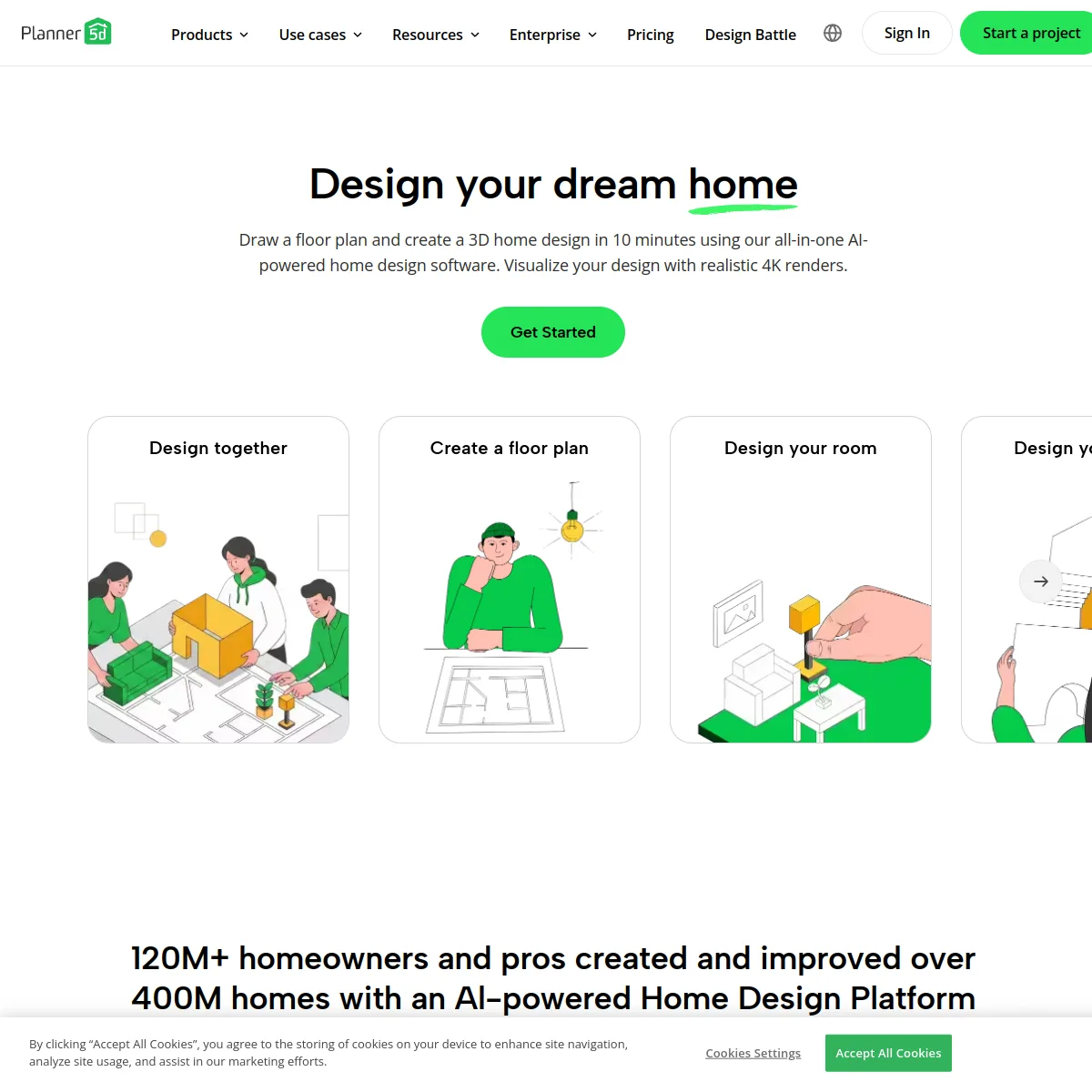
A full manual planner for both homeowners and professionals. It recognises an uploaded floor plan into an editable 3D project, carries a catalogue in the tens of thousands, renders in 2D, 3D and 4K, and on its paid tiers adds a budget widget, a price estimator, a specs organiser and CAD export.
A tool that does the placing. Given a plan and a budget it matches real, in-stock furniture to the room, sizes each block to the product’s catalogue dimensions, rejects anything that collides with a wall or a door swing, and prices the result as it goes.
If you enjoy laying out a room and want full control of every placement, Planner 5D gives you more of it and costs less. If the slow part of your week is choosing pieces, checking they fit and pricing them up, that is the part Decato automates and Planner 5D leaves to you.
What each one does
Reads an uploaded floor plan
Chooses the furniture for you
Refuses a piece that will not fit
Furniture comes from live retail stock
They ship a large built-in catalogue
Tracks a budget
Their budget widget, from Premium up
Produces a specification
Their specs organiser, on Professional
CAD export
360° walkthroughs
Free tier with real capability
Runs in a browser and on mobile
Decato is a Mac app
Neither tool wins everywhere
Planner 5D does things Decato cannot do at all. Knowing exactly where the line falls is more useful than being told one tool is better.
- The room is assembled for you — the matching, not just the rendering, is the automated part
- A piece that will not clear a door swing never reaches the layout to be spotted later
- Products come from live retailer inventory with stock status, not from a fixed catalogue
- The spec rows stay clickable in the exported PDF, so a client can buy straight from it
- Complete manual control — you decide every placement, which automation cannot give you
- Materially cheaper: its top professional tier costs less than half Decato’s middle one
- CAD export and 360° walkthroughs, neither of which Decato produces
- A genuinely free tier with real planning capability, not a trial
- Runs in a browser and on mobile, where Decato is a Mac app
What each one costs
- Free$0Planning without limit on your own ChatGPT, Claude or Gemini key
- Pro$20/moAutomated sourcing from every supported store, with 25 renders
- Max 5x$100/moUnchanged capability, 125 renders
- Max 20x$200/moUnchanged capability, 500 renders
- Free$0Real planning, with half the catalogue
- Premium$19.99/mo$59.99 a year — AI plan recognition and the budget widget
- Professional$49.99/mo$399.99 a year — 4K renders, specs organiser, CAD export
- EnterpriseCustomQuoted rather than listed
Planner 5D is the better value for anyone happy to do the placing, and its yearly professional price is dramatically cheaper than paying monthly anywhere. Decato costs more for less rendering and no CAD export. What the extra buys is the hours: choosing the pieces, proving they fit and pricing them up, which in Planner 5D remain manual work no matter which tier you are on.
Both price lists checked August 2026If you move across
You are trading control for time. Everything you did by hand still happens — the choosing, the placing, the pricing — but the tool does it and you review the result.
- The floor plan itself — export it as an image and Decato will trace it back into geometry
- The layout thinking you have already done, as the brief Decato sources against
- A budget you were tracking in their widget, which becomes Decato’s sourcing ceiling
- Projects, catalogues or saved scenes — there is no import path between the two
- CAD exports and 360° walkthroughs, which Decato does not produce
- Subscriptions, billed separately with no migration between them
Compare Decato against the next closest workflow.
If this page is close but not exact, use the routes below to compare Decato against staging-first, retail-first and render-first alternatives with the same decision lens.
Decato vs REimagineHome
Both source real furniture. REimagineHome fits it to a photo; Decato fits it to a dimensioned plan.
Staging-firstDecato vs Virtual Staging AI
Staging sells the photo. Decato specifies the room — real products, measured fit, a priced spec.
Service-outputDecato vs BoxBrownie
BoxBrownie sells edited images per job. Decato sources a room into a priced specification.
Retail-workflowDecato vs Wayfair
Wayfair plans your room and fills its own cart. Decato checks the fit and hands over a spec.
Most comparison tools judge the screenshot. Designers still have to deliver the room.
Decato is optimized for the step after concept approval: matching real products, checking fit, keeping the room inside budget and turning the output into a defendable package instead of a render to reverse-engineer.
Common questions
Does Planner 5D do budgets and specs?
Yes, and comparisons that say otherwise are wrong: Premium includes a budget widget, and Professional adds a specs and docs organiser with a price estimator (Checked August 2026). The distinction with Decato is not whether those tools exist, but whether anything fills them in for you.
So what does Decato actually automate?
The choosing and the checking. Given a plan, a style and a budget it matches real in-stock products to the room, sizes each one to its catalogue dimensions and rejects what collides with a wall or a door swing. In Planner 5D you make each of those decisions yourself, piece by piece.
Which is cheaper?
Planner 5D, clearly. Its professional tier costs less than half of Decato’s middle plan, and its yearly billing cuts that further, while its free tier is genuinely usable rather than a trial. If your time is not the constraint, it is the better value.
Can I move a Planner 5D project into Decato?
Not directly — there is no import path for projects, catalogues or saved scenes. What transfers is the floor plan, if you export it as an image, and the thinking behind the layout. Decato traces the plan back into geometry and sources against it from there.
Does Decato do CAD export?
No. Planner 5D offers CAD export and 360° walkthroughs on its Professional tier and Decato has no equivalent to either. If a project has to hand off into a CAD workflow, that is a real reason to stay where you are.