
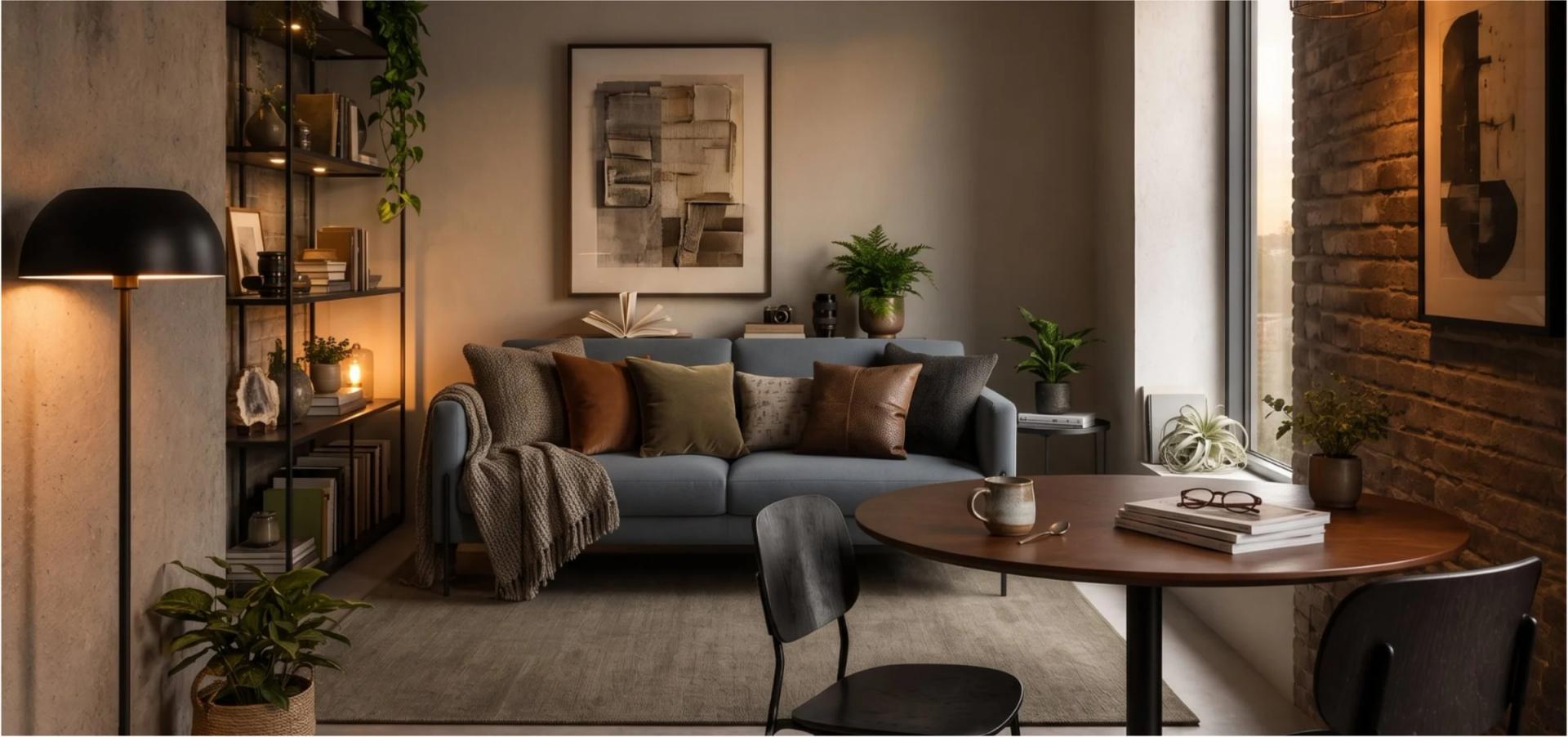
There is no single best one, and any list that crowns a winner is answering a different question than the one you asked. These seventeen products do four separate jobs. Restyling a photograph, staging an empty listing, drawing a room to scale, and turning a room into a list of things somebody can order are not the same task, and almost nothing does two of them well.
The short version: for a photograph restyled in seconds, Interior AI and Collov AI are the strongest. For listing photos, Virtual Staging AI at $16 a month, or BoxBrownie at $30 a photo if you would rather commission it. For drawing the room yourself, SketchUp and Planner 5D. For the purchase-order side of a studio, Programa and Fohlio. And if the room has to end in real products a client can buy, that is the gap this whole category leaves open — the last section covers it. (Checked September 2026, every price read off the vendor’s own page.)
All seventeen at a glance
| Tool | Entry price | Strongest at | Where it stops |
|---|---|---|---|
| Interior AI | $49/mo | Volume: thousands of design variations a month | Returns images, never products |
| Collov AI | $19/mo | Seconds per room when a photo already exists | Photo-first, so no plan geometry |
| REimagineHome | Free / $14/mo | Matching purchasable items to a budget and ZIP | Works from photographs, not plans |
| ArchiVinci | $39/wk | Unlimited renders on every plan | Renders only, and priced by the week |
| mnml ai | Free / $29/mo | Exteriors, landscape and masterplans | Not built for interior sourcing |
| Spacely AI | Free / $30/mo | Integrations with SketchUp, Revit, AutoCAD and Rhino | Output is a render, not a spec |
| Virtual Staging AI | $16/mo | About ten seconds a room, no plan to draw first | Staging only |
| BoxBrownie | $30 per photo | Nothing to run or learn — send a photo, get one back | Per-image cost, and no layout work |
| HomeDesigns AI | — | Also sources real furniture, with one-click ordering | Photo-led, like the rest of this group |
| Decory AI | Free | Free on iOS and Android | A phone app, with a phone app’s ceiling |
| SketchUp | $10.75/mo, annual | Precise, industry-standard 3D modelling | No free plan any more, and no furniture sourcing |
| Planner 5D | Free / $19.99/mo | Complete manual control over every placement | Manual: you place everything yourself |
| Foyr Neo | — | A full design, planning and rendering workflow | Learning curve of a professional suite |
| Wayfair Room Planner | Free | Free, with no subscription of any kind | One retailer’s catalogue |
| IKEA Kreativ | Free | Free, with nothing to subscribe to | One retailer’s catalogue |
| Programa | $71/mo | A real FF&E schedule with procurement columns | Not a design generator |
| Fohlio | — | Purchase orders, quotes, shipments, reconciliation | Specification management, not design |
| Decato | Free / $20/mo | A floor plan turned into priced, in-stock products that fit | Mac and Windows; no procurement or invoicing |
The four jobs these tools actually do
- Restyle — upload a photo of a room, get it back in another style. Fast, and the fastest way to agree on a direction.
- Stage — furnish an empty room for a listing, where the point is the photograph itself.
- Draw and render — model a space with control over geometry, dimensions and light.
- Source — turn the design into real products that fit the room, the budget and each other.
Fifteen of the seventeen live in the first three groups. That is not a criticism: those jobs are real and the tools are good at them. It does mean the comparison you actually need is not tool against tool, but job against job.
Restyling a photo
Interior AI sells variation by the thousand, which is why its entry tier is the dearest here and its cost per image the lowest. Collov AI is the quickest from a photo to something presentable. REimagineHome goes furthest of this group towards shopping, matching purchasable items to a budget and postcode. ArchiVinci takes the opposite approach to pricing with unlimited renders on every plan, billed weekly. mnml ai is the only one that treats exteriors, landscape and masterplans as first-class. Spacely AI is the one to pick if your work has to come back into SketchUp, Revit, AutoCAD or Rhino afterwards.
What none of them can do is tell you whether the sofa in the picture exists, costs what you have, or fits through the door. The image is the deliverable.
Staging a listing
Virtual Staging AI is software you run: about ten seconds a room, no plan to draw first, $16 a month at entry. BoxBrownie is the opposite model — you commission the work per photograph, $30 for a residential virtual staging shot, and nothing to learn. For a handful of listings a month the commissioned route is cheaper than any subscription. (Checked August 2026.) HomeDesigns AI sits between the two and goes as far as one-click ordering of furniture it recognises.
Drawing the room yourself
SketchUp remains the accurate answer when geometry has to be exact, and it has no interest in furnishing anything for you. Planner 5D gives complete manual control and a free tier with half the catalogue. Foyr Neo is a full professional workflow with the learning curve that implies. Wayfair Room Planner and IKEA Kreativ are genuinely free and genuinely limited: each shows one retailer’s catalogue, which is either exactly what you want or immediately disqualifying.
Running the money side
Programa and Fohlio are not design tools and do not pretend to be. Programa gives a studio a real FF&E schedule with procurement columns for $71 a month per seat; Fohlio handles purchase orders, quotes, shipments and reconciliation. If your bottleneck is invoicing rather than ideas, neither of the fifteen tools above will help and one of these two will. (Checked August 2026.)
Turning a room into something you can buy
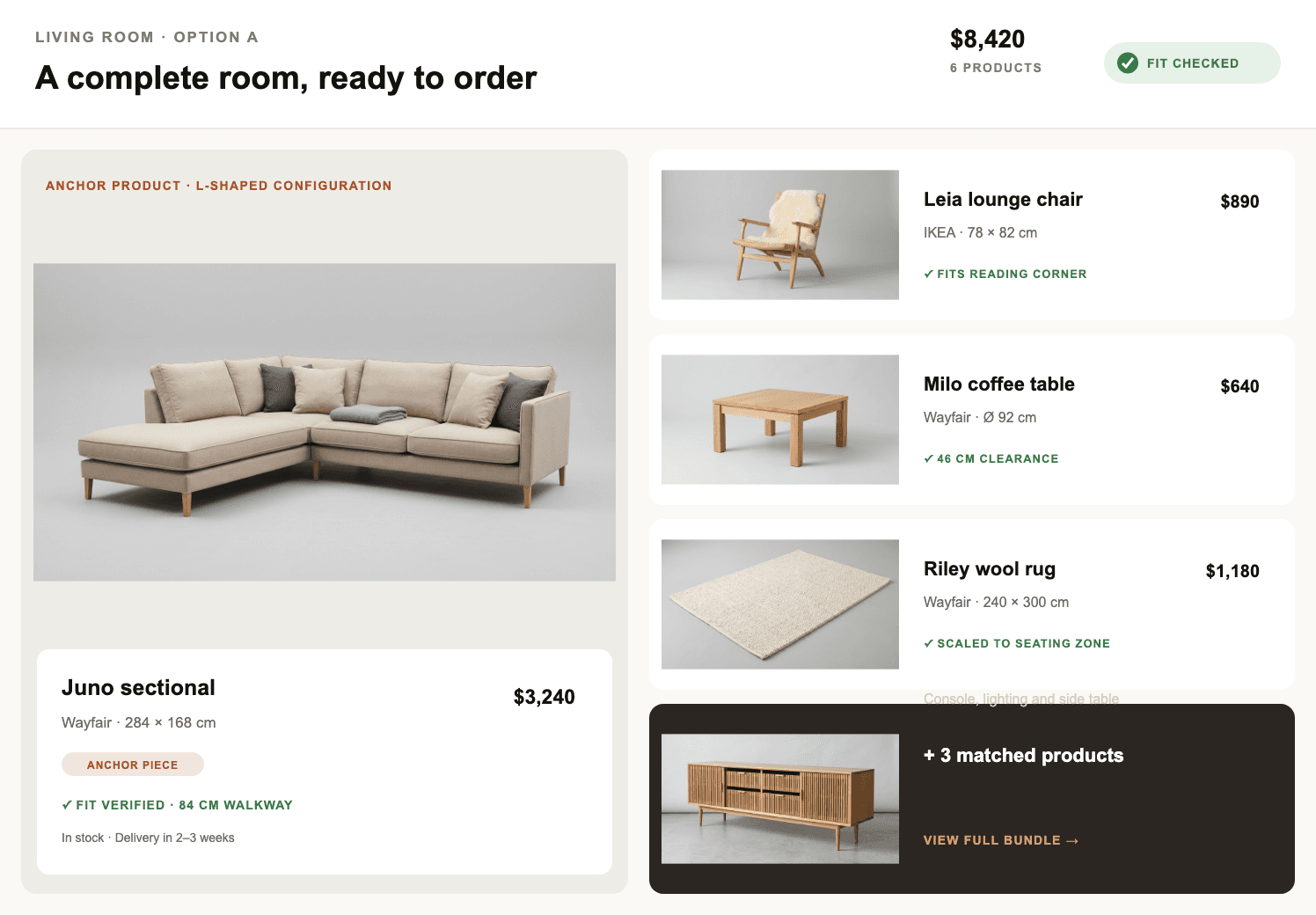
This is the gap the category leaves. The render looks right, the client says yes, and then someone opens fifteen retailer tabs to find a sofa that is the correct width, in stock, within budget, and does not block the door. That step is still manual almost everywhere.
Decato is built for that step specifically. It starts from a floor plan rather than a photograph, so the room exists as wall lengths, door swings and clearances before there is any image. Furniture is matched from real retailer catalogues against those measurements, checked for fit, and comes out as a priced specification alongside the renders. Planning is free on your own ChatGPT, Claude or Gemini subscription; paid plans start at $20 a month and buy render volume, not features. (Checked September 2026.)
Where it stops, honestly: it is a desktop app for Mac and Windows with no browser version, it does nothing with photographs of existing rooms, and it has no purchase orders or invoicing — if that is the part that hurts, Programa or Fohlio is the better answer.
Rule of thumb: restyling and staging tools answer "what could this look like?" A sourcing tool answers "what exactly do I buy, and will it fit?" Those are different questions, and most projects need both.
How we checked
Every price here was read off the vendor’s own pricing page in August and September 2026, and each tool has its own side-by-side page on this site with the full feature-by-feature detail and the date it was last verified. Prices in this category move; where a vendor does not publish one, the table says so rather than guessing.
FAQ
Which AI is best for interior design?
It depends on the job. For restyling a photograph quickly, Interior AI or Collov AI. For listing photos, Virtual Staging AI or BoxBrownie. For exact geometry, SketchUp or Planner 5D. For a room that ends in a priced, buyable specification, Decato. No tool in this list is strong at more than one of those.
Are there genuinely free AI interior design tools?
Yes. Wayfair Room Planner, IKEA Kreativ and Decory AI are free outright, each limited to what it is tied to. Planner 5D, Spacely AI, mnml ai and REimagineHome have free tiers with credit or catalogue limits. Decato is free to download and free to plan with on your own AI subscription; renders and sourcing start at $20 a month. (Checked September 2026.)
Can AI interior design tools source real furniture?
Three of the seventeen try. REimagineHome matches purchasable items to a budget and postcode, HomeDesigns AI offers one-click ordering of items it recognises, and Decato matches products from retailer catalogues against the room’s measurements and returns a priced specification. The rest return images.
Do any of them work from a floor plan instead of a photo?
Most do not — the photo is the input the category is built around. SketchUp, Planner 5D and Foyr Neo work from geometry you draw yourself. Decato reads an existing plan as a photo, PDF or sketch and works from its measurements.
Are AI renders accurate enough to show a client?
For agreeing on a direction, yes, and that is what they are for. As a promise of what will be delivered, no — a render generated from a photograph has no idea what a real sofa measures. That is why the useful test is not how the image looks but whether anything in it can be ordered.
What does this category cost per month?
Entry pricing runs from free to $71 a month per seat. Most single-purpose tools sit between $16 and $49. Commissioned work is priced per image instead — BoxBrownie charges $30 for a residential staging photo. Professional suites and procurement tools are the dear end. (Checked August 2026.)
Related on Decato
Decato vs Interior AI
Image volume against a buyable specification
Decato vs Planner 5D
Manual placement against automatic sourcing
Is Homestyler free?
Unlimited 1K renders, a watermark, and three AI credits in total
Is RoomSketcher free?
Where the free plan stops and the credits start
All comparisons
Seventeen tools, each verified against its own pricing page
Turn the idea into a room you can buy.
Decato sources real products to your plan — fit-checked, on budget, with a client-ready spec.