
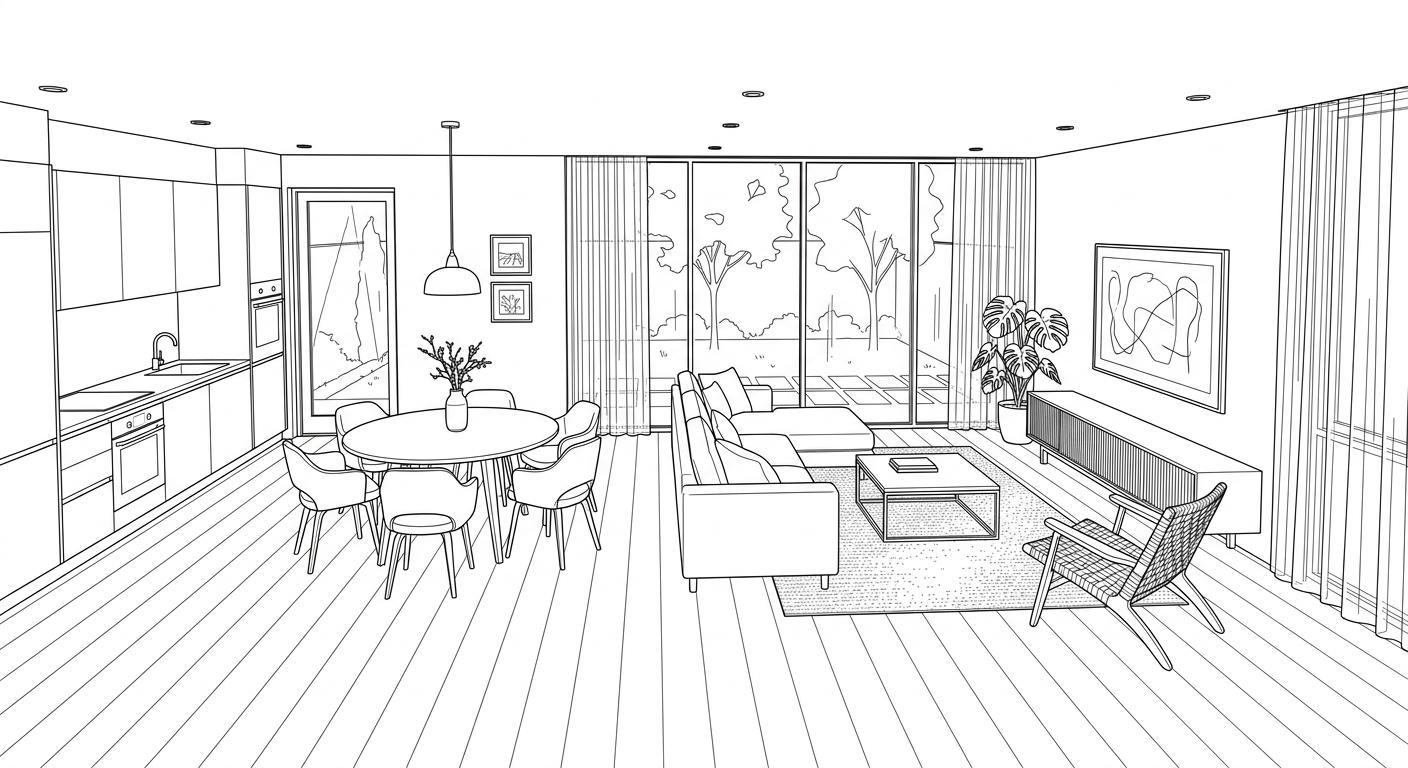
Decorating a room with AI is easy to start and easy to stall. The renders come quickly; turning one into a real, ordered room is where most people get stuck. Here is a workflow that ends with something you can buy.
1. Start from the plan, not a mood board
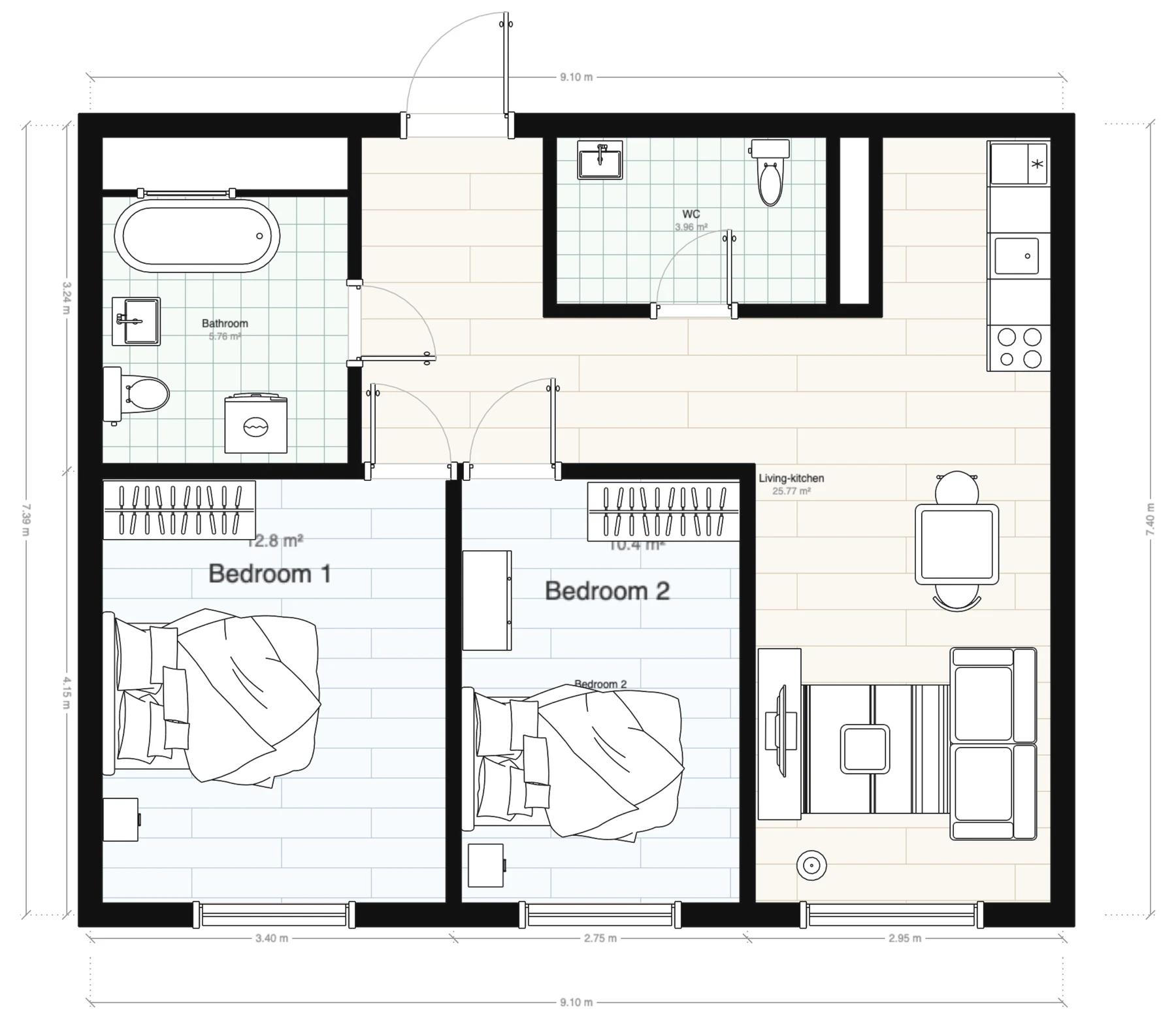
Begin with the floor plan and the brief: who uses the room, the budget, and any must-keep pieces. Designing against the real space keeps later choices honest.
2. Pick a direction
Choose a style to anchor the room. Explore a few AI variations if you are unsure, then commit — a clear direction makes sourcing coherent instead of a grab-bag of pieces.
3. Match real products
This is the step that separates a render from a room. Match each element to real, in-stock products in the chosen style — coordinated as a set, not picked one at a time.
4. Check the fit and the budget
Validate that every piece fits the dimensions and clearances, and keep a running total so the room stays in budget as it comes together.
5. Get a spec you can act on
Finish with a bill of materials — what to buy, at what price — rather than a screenshot to reverse-engineer. Decato runs this whole flow; pick a style or room below to start.
A render answers "what could this look like?" A spec answers "what do I buy?" Decorating with AI should end with the second one.
FAQ
Can I decorate a room with AI for free?
Many AI tools have free tiers for generating images. Turning that into a sourced, buyable room is a different step; Decato focuses on that sourcing and spec layer.
How do I turn an AI room design into something I can buy?
Match the design to real products, check fit and budget, and produce a bill of materials. Decato automates that path from plan to spec.
Related on Decato
Turn the idea into a room you can buy.
Decato sources real products to your plan — fit-checked, on budget, with a client-ready spec.